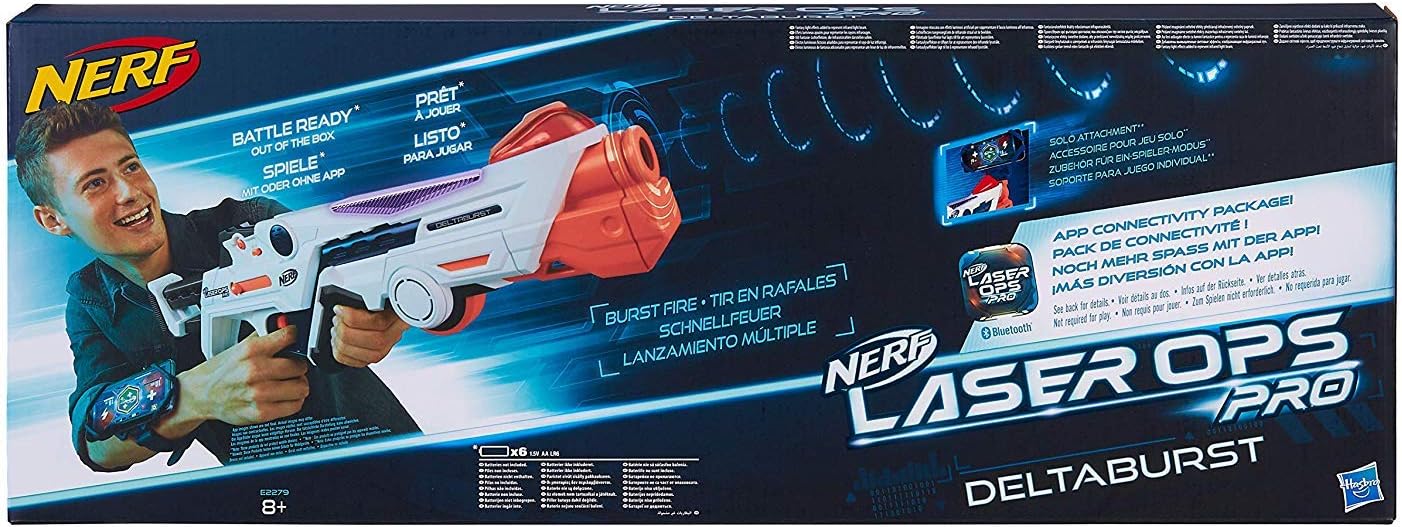
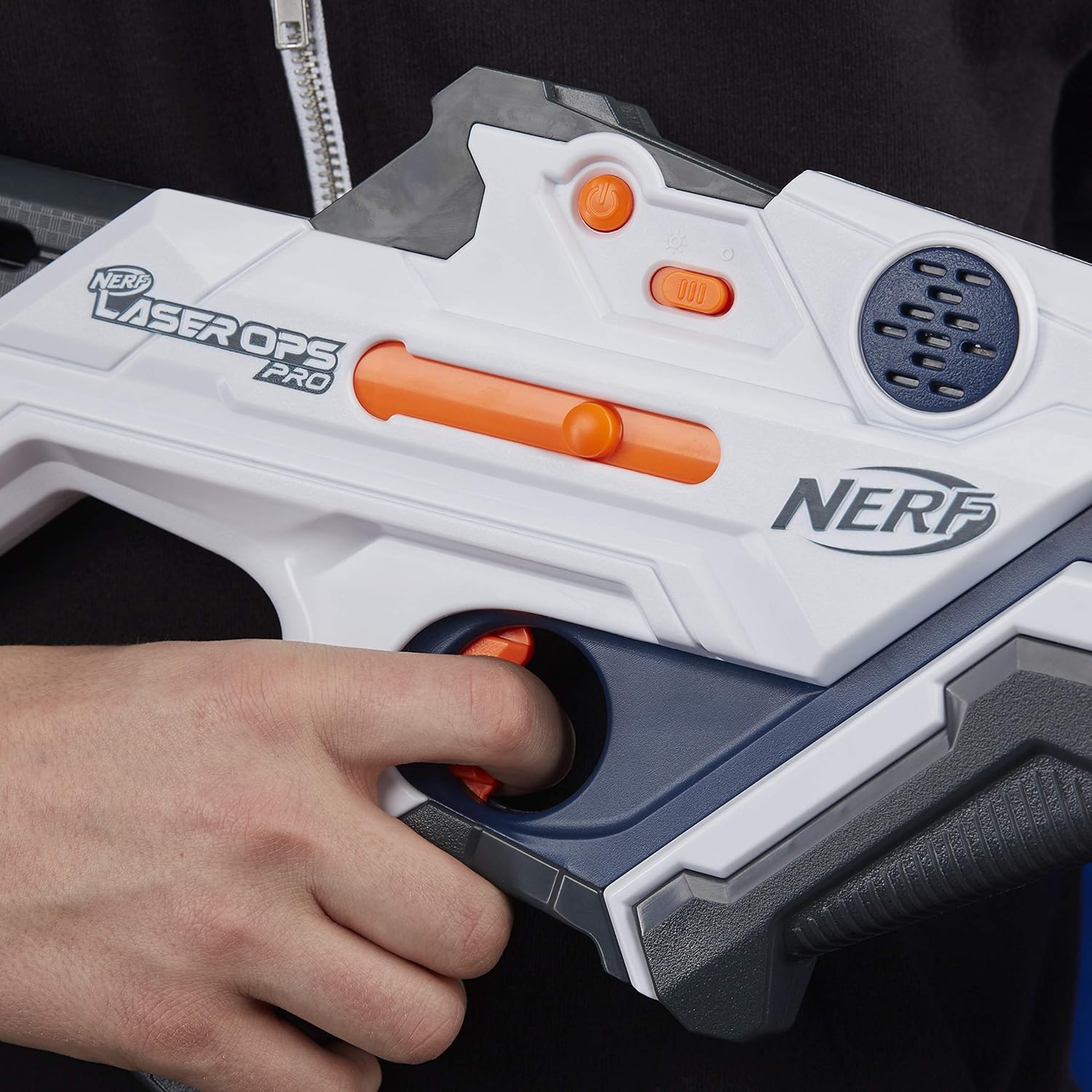
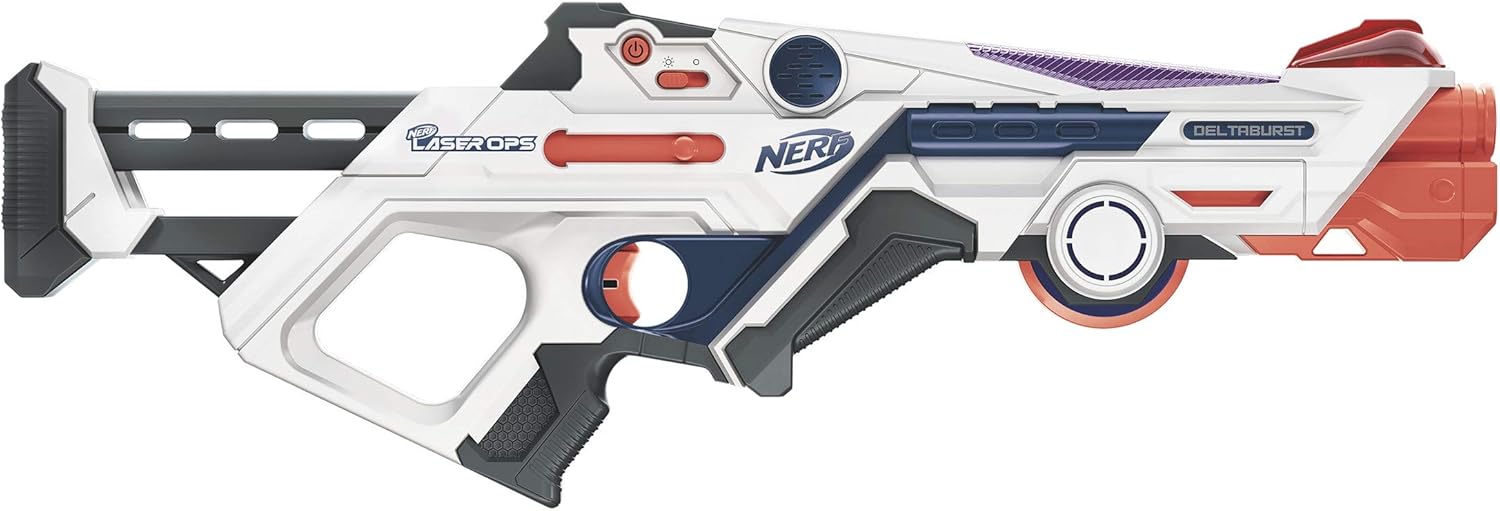
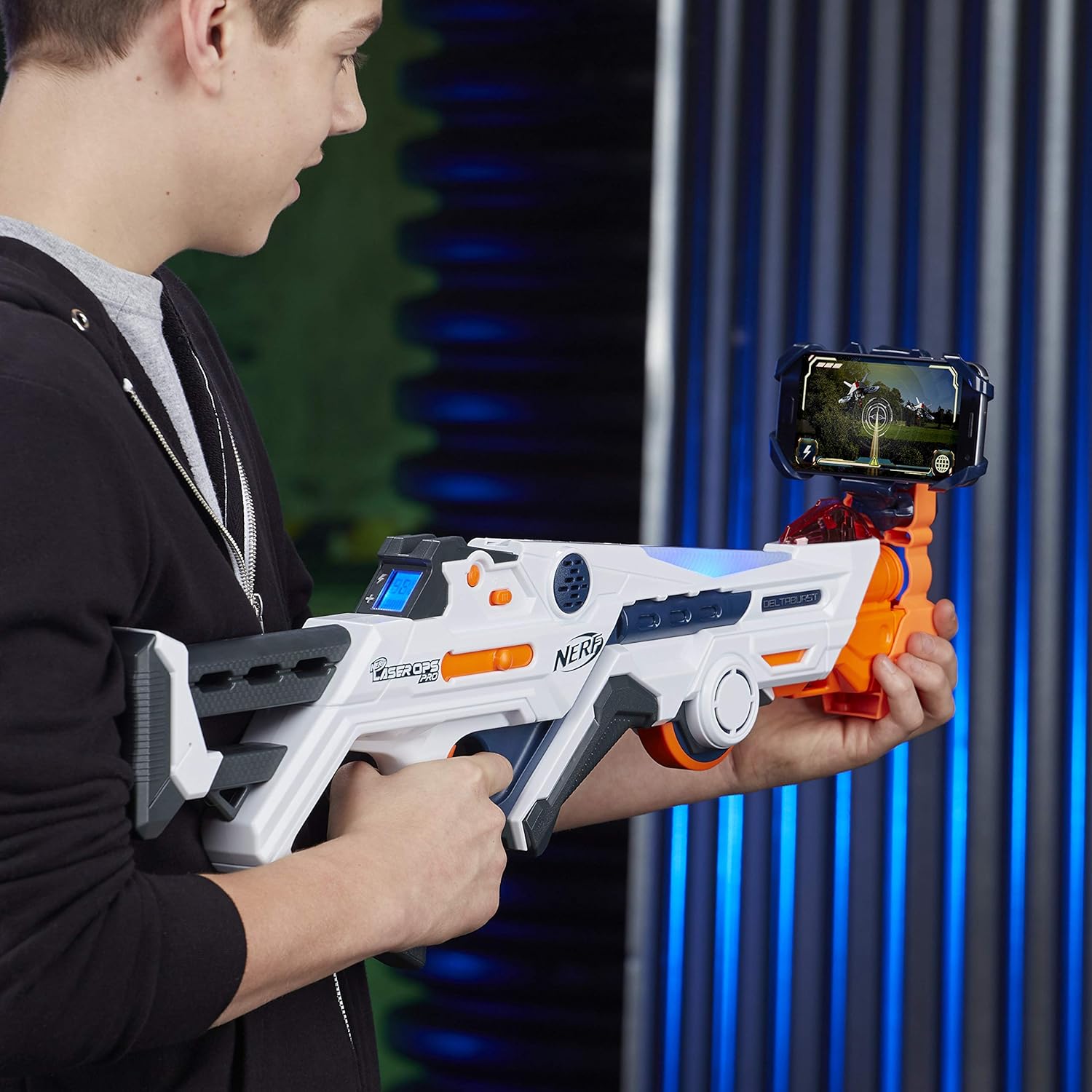
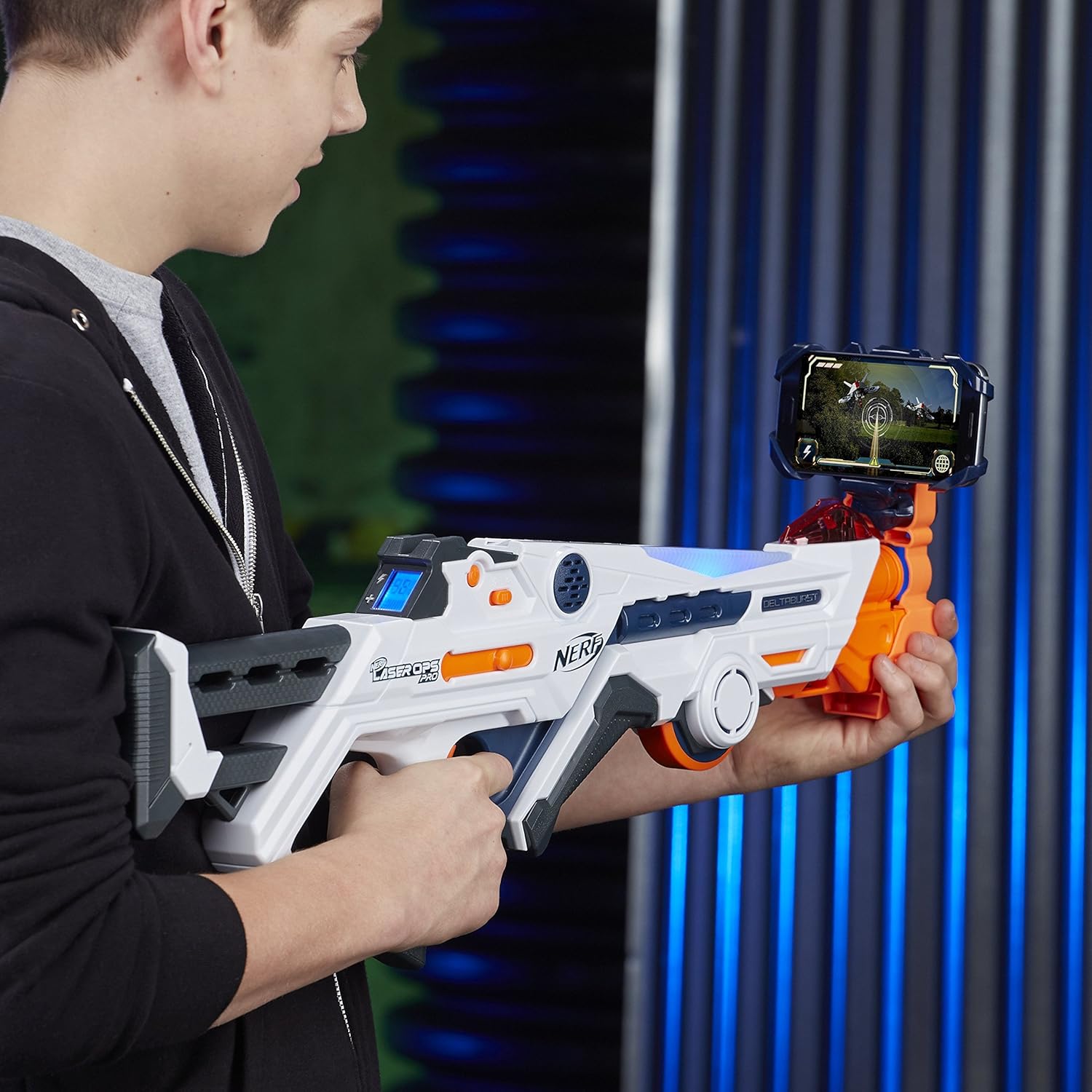
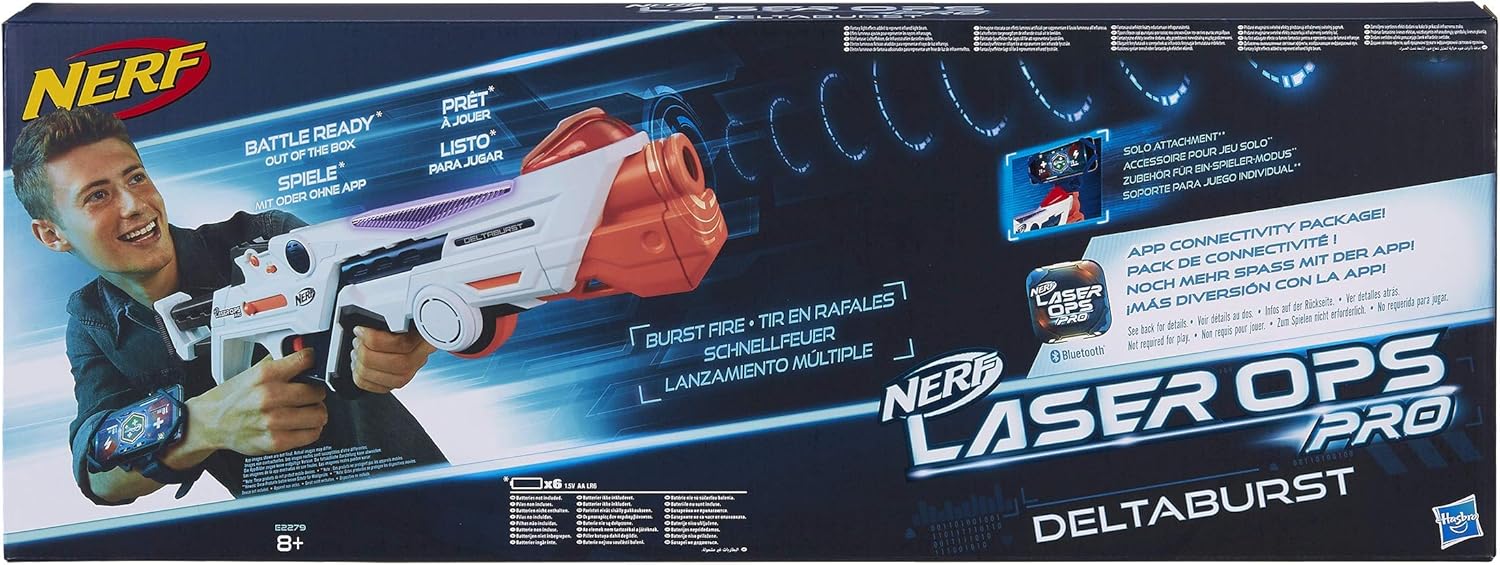
Yet another ETA: 2025 iOS 18 now stops Multiplayer+Single Device games as it no longer allows multiple Blasters to connect via Bluetooth. The Single Player Game still works under iOS for now The situation is better for Android. The Laser Ops Pro App runs fine on the Go Edition of Android 13 (I haven’t tried 14 Go or 15 Go) so an old tablet (or cheap new one) can be used. Although no longer officially available, the App can be sideloaded from the usual sources (at your own risk obviously) If you are buying a cheap tablet it’s unlikely to contain a gyro which will disable the App’s Single Player game. This is less of a problem than you might think because you cannot safely attach a tablet to the front of a Deltaburst or Alphapoint blaster anyway and any XP gained in the Single Player game could only be used in the Online Multiplayer game - which is no longer available since Hasbro closed their servers! (This was the game option in the App which could support up to 20 players providing that each had their own smart device with a strong WiFi connection to the internet, along with Location Services and Bluetooth enabled!) If you don’t mind sideloading the App to your Android phone or to a better tablet you can run the Single Player or Multiplayer+Single Device games. Both these games only use / need Bluetooth. You can even play the Single Player game on the App without bothering to buy a blaster at all. Just tap the screen to fire (see photo) Holding down the trigger whilst turning on a blaster will link that blaster to the App via Bluetooth. Multiplayer+Single Device games can be set to last for 3, 5, 10 or 15 minutes. A Team Game will assign blasters to the Red or Blue Teams alternately as they link or to one group if you select a Free-For-All match Other blasters cannot join a game once it has started However the Multiplayer+Single Device game has its own issues: because the blasters do not connect using Bluetooth Mesh this game option can only support a maximum of four players reliably. You may find you can get away with five or six but more often than not, at the end of a multiplayer match when players run back and huddle around the single device, some players’ blasters may not be able to relink to download their stats I can’t imagine Hasbro were happy about this either, since it - along with their assumption that customers would be willing to use multiple expensive smartphones - put an obvious limit on repeat sales of blasters! ????♂️ The only way to play in large groups is without the App: simply switch on a blaster, press the Reload button to cycle through the three team options: Purple - free for all, Red - join the red team, Blue - join the blue team. Pull the trigger to confirm your choice and go! There’s no scoring and you can rejoin the game immediately after being hit five times - just pull the trigger twice. Players can join or leave the non-App game at any time - if only all Laser Tag games were as simple and quick to get to the action (With App scoring: a hit to another blaster scores one point and if your shot happens to immobilise a blaster then you score 25 points. You don’t lose points for being immobilised, you just get a 10 second timeout) However when used like this, these blasters are LOUD especially the Deltabursts which, unlike the Alphapoints have a mechanical ratchet. 10 or 15 minute games provide an opportunity for stealth but the default volume levels make this impossible Never mind the adults, even kids can find the level of sound too much - to the point where they will gladly swap to other activities. Scroll down for info on how to cut the volume produced by these otherwise excellent blasters Unfortunately the App only offers volume control of the electronic sounds produced by any connected Deltaburst or Alphapoint blasters. There is no volume control if you play without the App or for the Deltaburst’s mechanical ratchet unless…. = DELTABURST SOUND MOD = IMPORTANT: These modifications are reversible but as always, undertake them at your own risk You’ll need both a PH 1 cross-headed and a small flat-bladed screwdriver together with a roll of electrical tape (optional) You will also need a flat, dense foam disc 1.5mm thick and 35mm in diameter (as explained below) Remove the batteries, just to avoid the possibility of turning it on The Deltaburst is held together with 31 screws. You only need to remove 23 ???? Ignore the two screws which hold the front orange section and also the six which secure the buttstock. Remove the rest 22 of the screws are identical and can be reinstalled anywhere. The one longer screw can only fit below the Infra Red Sensor Dome at the front of the blaster (see photo) The side of the blaster can now be carefully removed, but you may need to reach under the side as it lifts away to help hole A slide off post A (see photo) At this point it’s also easy to dislodge the two translucent covers of the team colour LED, but these just slot back into the “roof” of the blaster To disable the ratchet mechanism, just unplug motor B (see photo). You can secure this loose lead with a little electrical tape, but the connector is well insulated so it shouldn’t cause any problems if left Leave Motor C connected. This motor only spins up briefly either if the blaster gets hit or if you pull the trigger while the “magazine” is empty. Yes it’s noisy but since both signals are useful, I’d advise leaving it as it is. (Unlike Motor B it can’t be simply unplugged; any mod here would involve cutting or de-soldering one of Motor C’s connecting wires. Or you could try using a gear puller to remove the Eccentric Rotating Mass from the motor spindle. None of these changes are easily reversed) The loudspeaker is also hardwired into the main circuit board (see photo). The wires are labelled AUD N and AUD P. So instead, for a reversible mod, use the flat bladed screwdriver to bend the plastic Tab toward the front of the blaster and lift up one side of the purple backplate which secures the loudspeaker (see photo) Carefully remove the loudspeaker The diameter of the speaker is 35mm but I only had some 25mm diameter, 1.5mm thick double-sided adhesive foam pads left over from another task. I just placed one into the speaker holder (see photo). I chose NOT stick it to either the speaker or the holder Even with a 25mm diameter pad the harsh volume is greatly reduced. As you might expect, a small sandwiched pad tends to cut mid range frequencies mostly Don’t go above 1.5mm thickness since you run the risk of damaging the loudspeaker. Since furniture pads are 5mm thick and thinner, self-adhesive pads seem to max out at 30mm diameter, a better-fitting 35mm by 1.5mm disc needs to be hand cut with a compass cutter Finally, secure the loudspeaker, replace the side of the blaster and, starting with the longest, reinstall all the screws Insert the batteries Switch on and enjoy the (relative) silence The process is very similar for an Alphapoint: which has 15 identical screws to remove, no ratchet to disable and, although it doesn’t look like it, the same 35mm diameter loudspeaker held in place by a plastic plate. Just slide this off its support pillars to free the speaker Thanks for reading