Freenove Bipedal Robot Kit for Raspberry Pi Pico (Included) (Compatible with Arduino IDE), LED Matrix Expressions, Obstacle Avoidance, Colorful Lights, Buzzer, Speaker, App

Brand:

3.1/5;

68.94

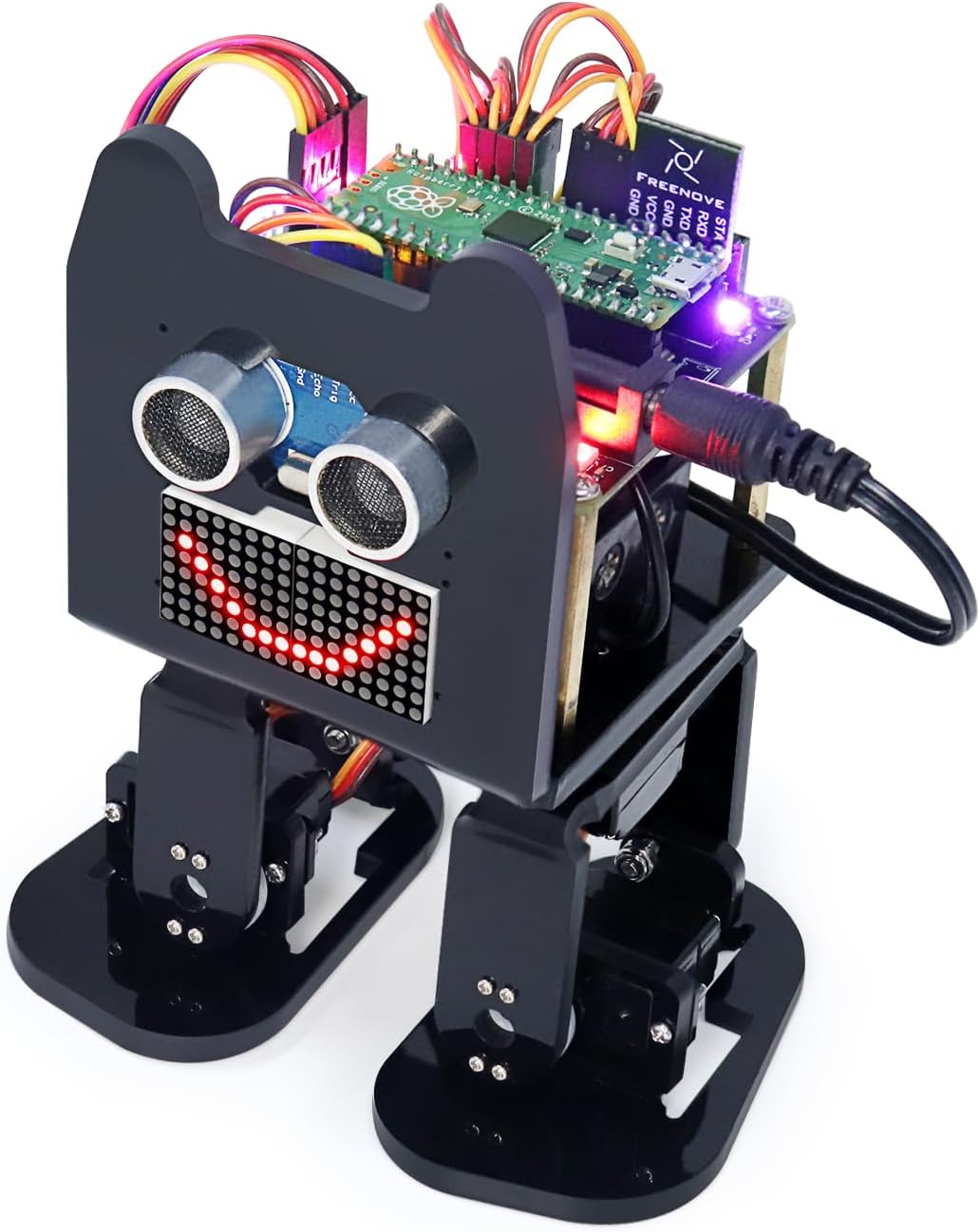
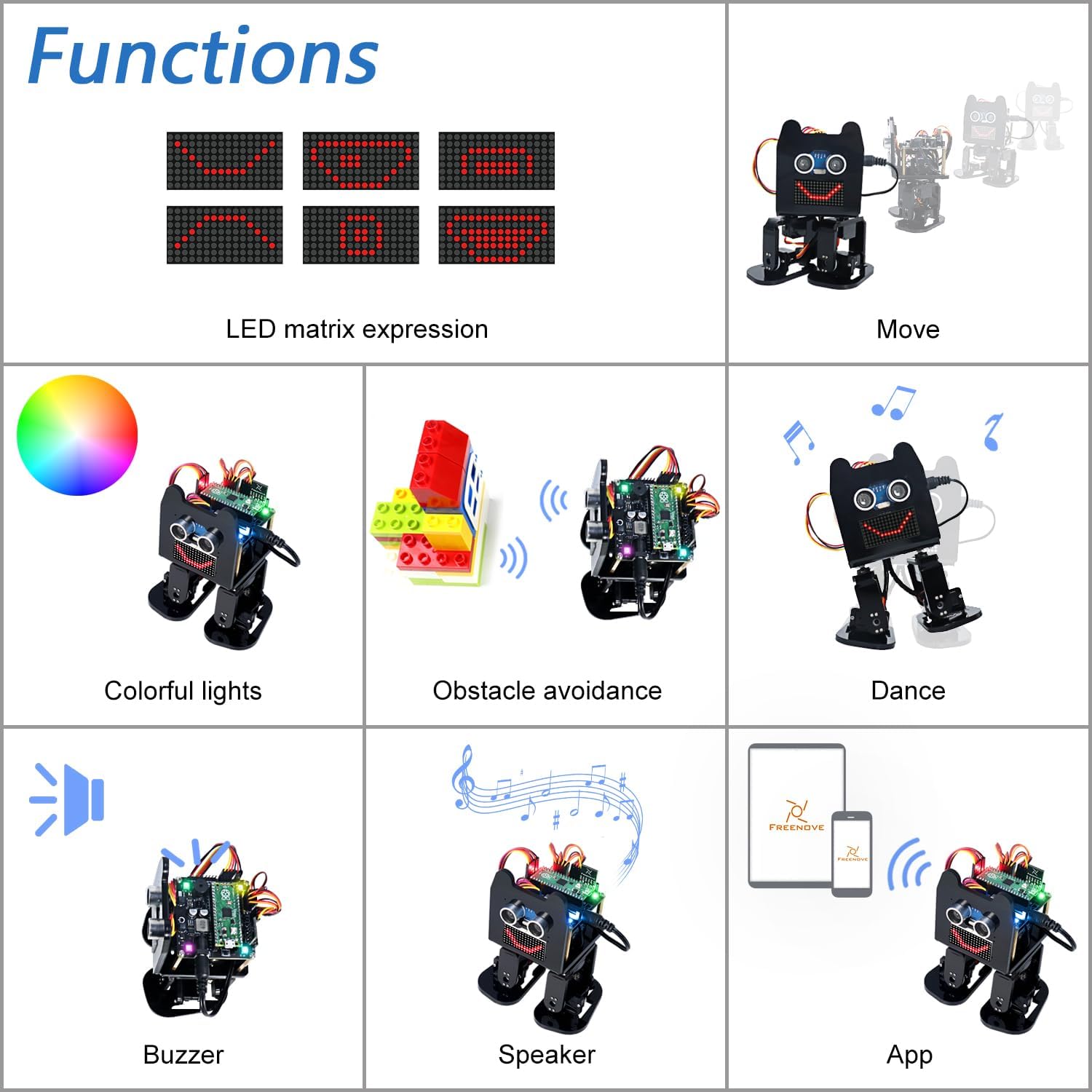
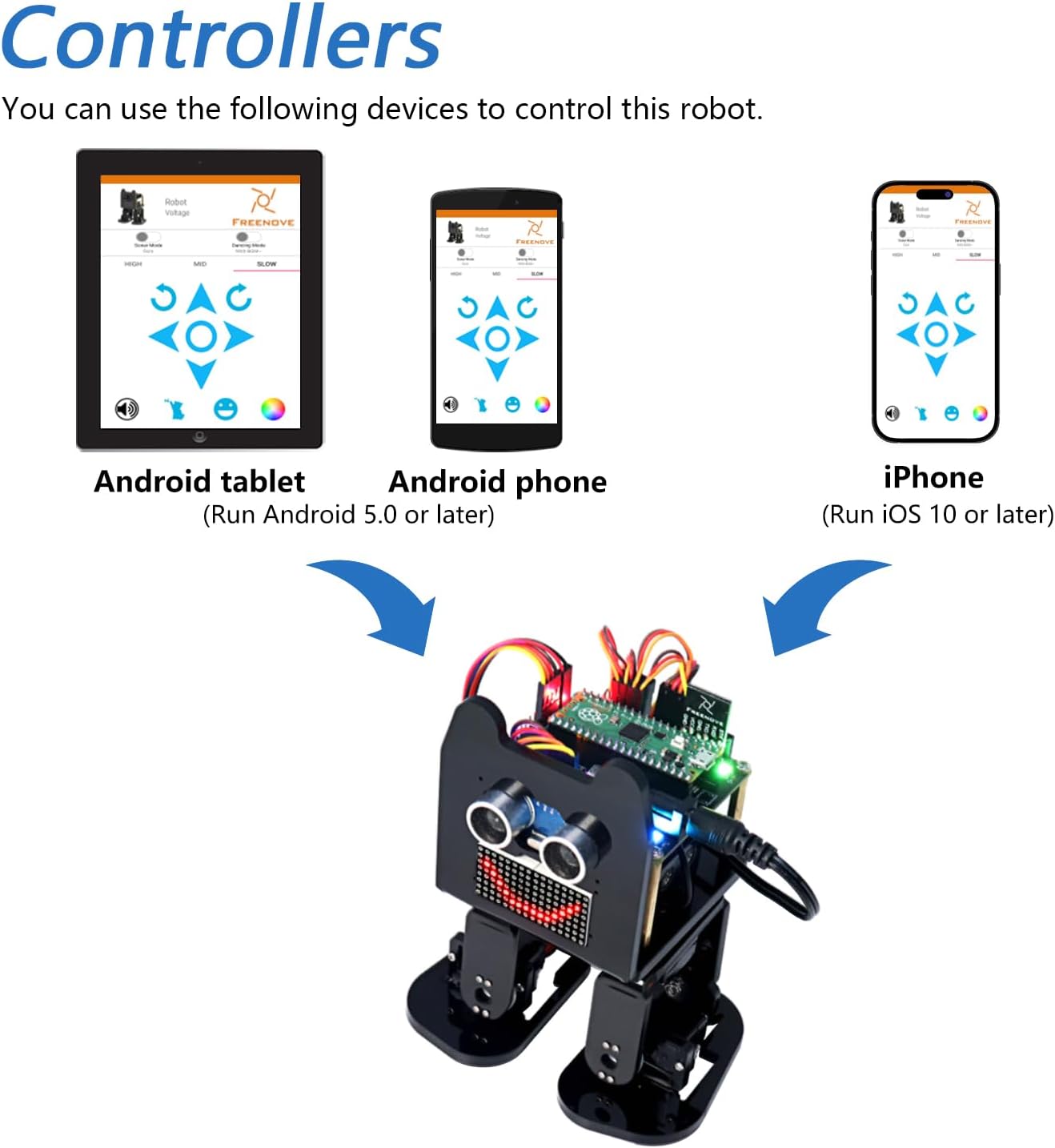
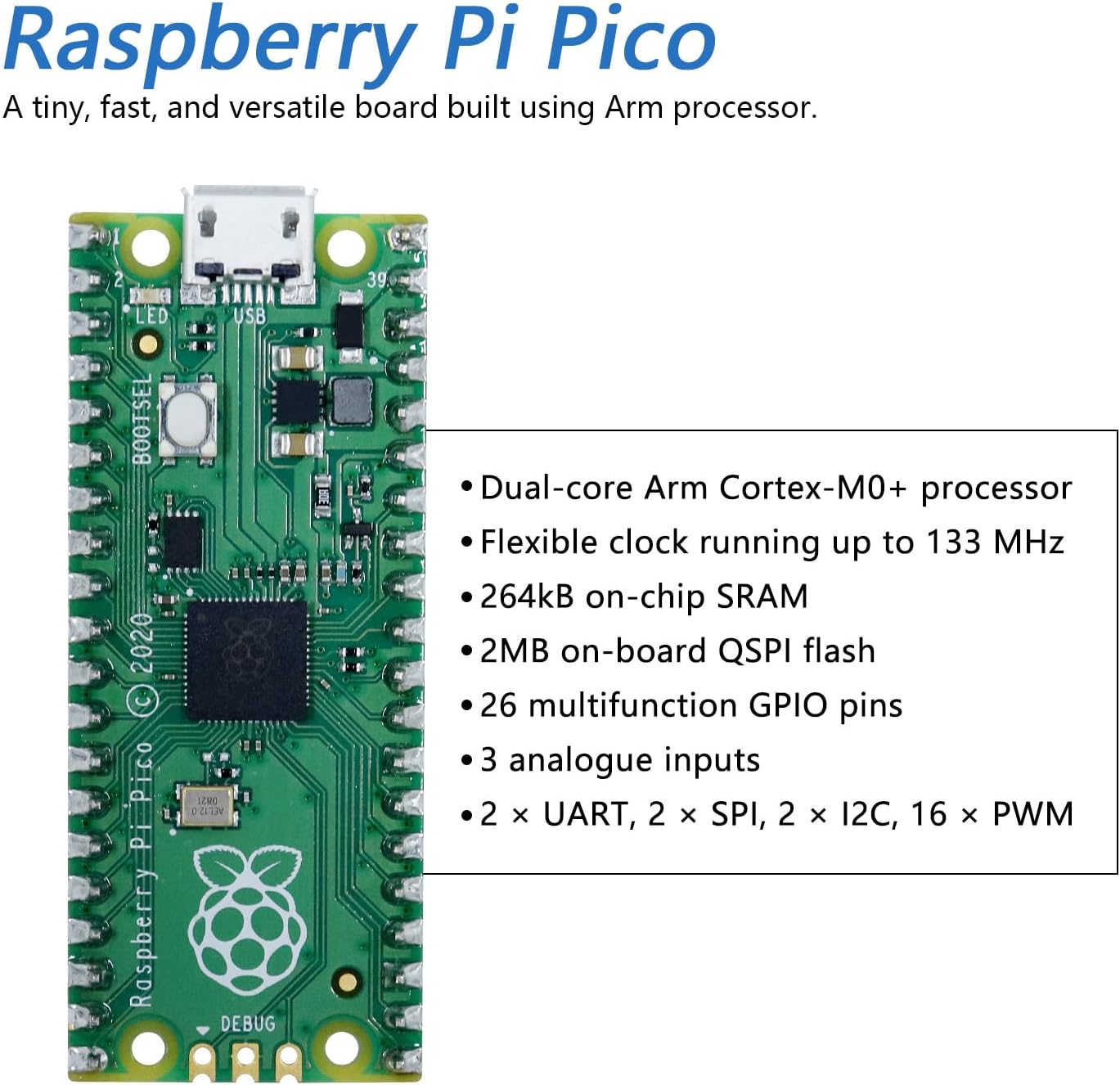
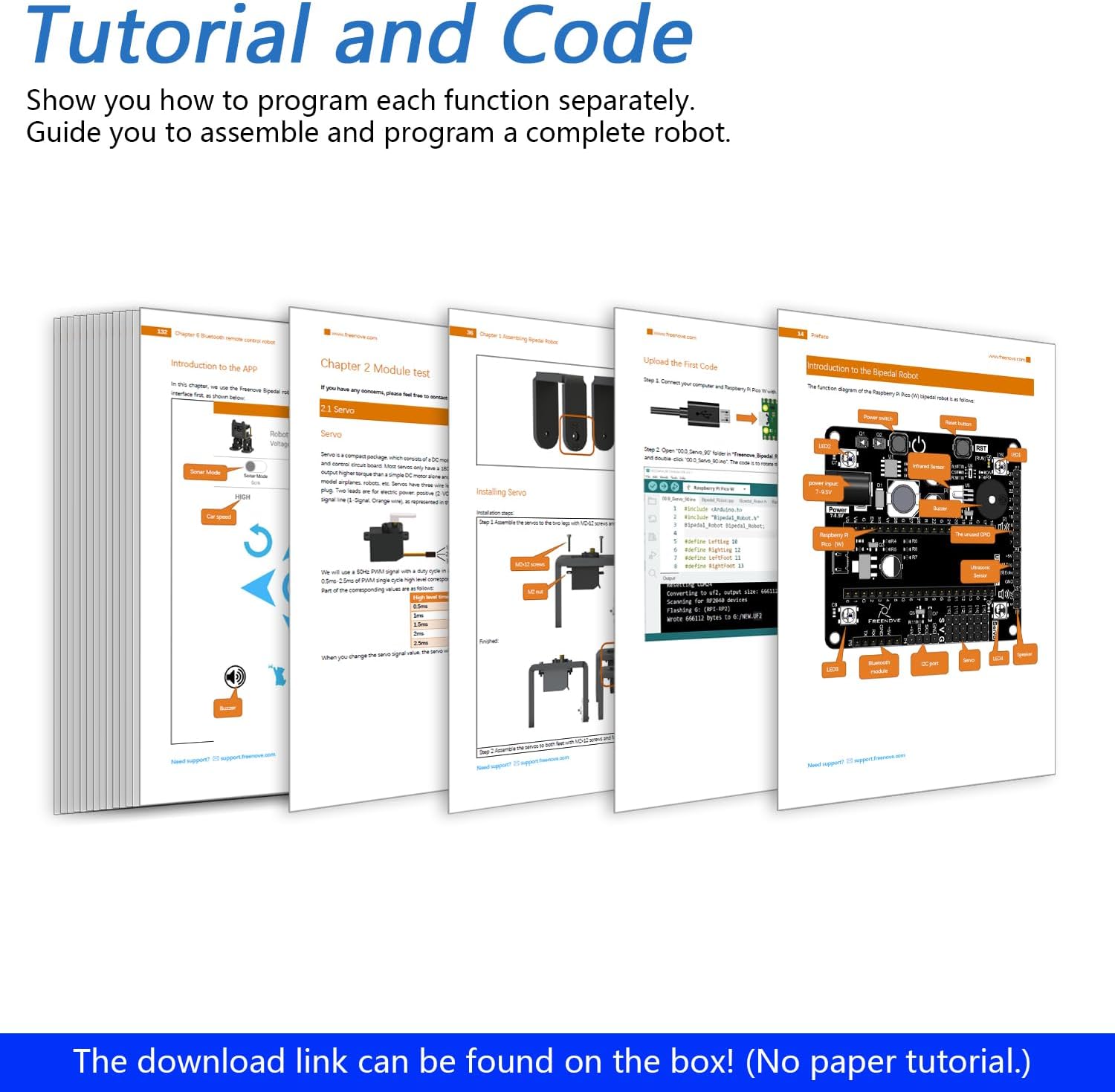
This robot based on Pico has multiple functions. (Assembly required. Battery NOT included.) Provides a step-by-step assembly tutorial and complete code -> The download link can be found on the product box. (No paper tutorial.) Control methods -> Controlled wirelessly by your Android phone or tablet, iPhone. (With Freenove App.) Pico -> A tiny, fast, and versatile board built using dual-core processor. (Included in this kit.) Needs battery -> Refer to "About_Battery.pdf" in downloaded file to buy.

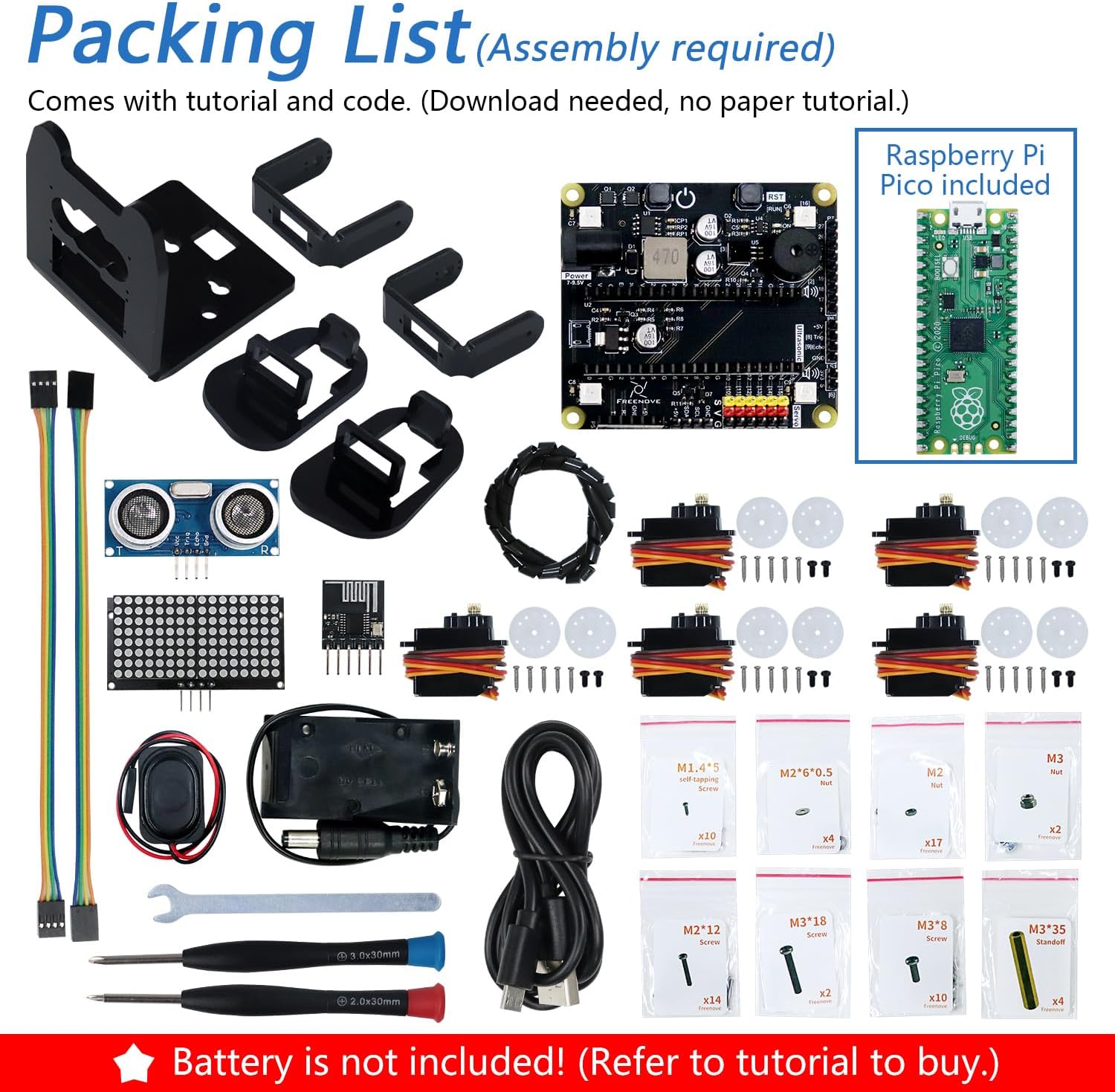
Important Notes: This robot needs to be assembled and does NOT include battery. (Refer to downloaded tutorial to buy battery.) Purchase Options: This product has multiple purchase options. This option includes the Pico board. Overview: Pico is a tiny, fast, and versatile board built using dual-core processor. This kit shows you how to use it as a controller to build a robot. We provide free technical support to help you with any questions and problems. Tutorial and Code: Comes with detailed tutorial and complete code. (Download needed, no paper tutorial.) The download link can be found on the product box. App: You can use the following devices to control this robot: * Android device: Android phone or tablet. (Run Android 5.0 or later, installed Freenove App.) (Search Freenove on Google Play.) * iPhone: (Run iOS 10 or later, installed Freenove App.) (Search Freenove on App Store.) Package Includes: 1 x Pico 1 x Pico (W) Robot Shield 1 set x Machinery Parts (8 kinds) 1 set x Acrylic Parts 1 x Dot Matrix Module 1 x Ultrasonic Module 1 x Wireless Module 1 x Speaker 4 x Servo Package 1 x Controller 2 x Jumper Wire F/F(4) 1 x Cross Screwdriver (3mm) 1 x Cross Screwdriver (2mm) 1 x M3 Spanner 1 x Cable Tidy (40cm) Needed but Not Included: 1 x 9V Battery (Refer to downloaded tutorial to buy.)
Aggiornamenti software garantiti fino a ‎sconosciuto
Descrizione scheda grafica ‎Integrato
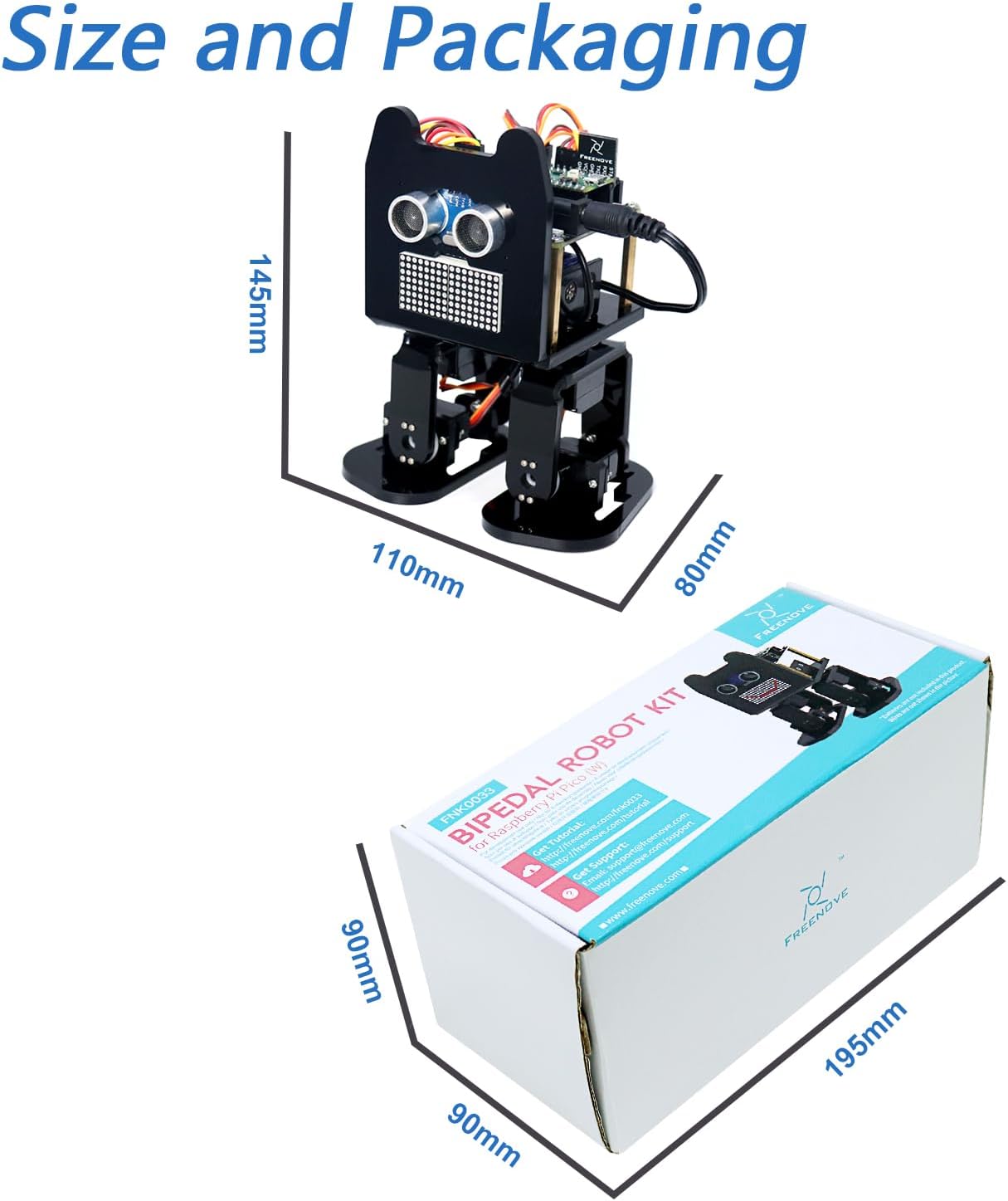
Dimensioni del collo ‎19,5 x 9 x 9 cm; 467 grammi
Interfaccia Hard-Disk ‎USB 2.0/3.0
Interfaccia scheda grafica ‎Integrato
Le batterie sono incluse ‎No
Marca ‎Freenove
Marchio processore ‎Raspberry Pi
Numero modello articolo ‎FNK0033A
Numero processori ‎2
Peso articolo ‎467 g
Produttore ‎Freenove
serie ‎FNK0033A
Sistema operativo ‎Embedded
Tecnologia di memoria ‎LPDDR3
Tipo memoria scheda grafica ‎SRAM
Tipo processore ‎5X86
Tipo wireless ‎Bluetooth
Tipologia di periferica ottica ‎Nessuna
Velocità processore ‎133 MHz

3.1

6 Review
5 Star
61
4 Star
12
3 Star
14
2 Star
0
1 Star
13

Scrivi la tua recensione

La tua mail non sarà pubblicata. Tutti i campi obbligatori sono segnati con*

Scritto da:
Scritto da: KevinB
Fun project to build; very educational for the technically minded
This was a very fun project. It requires you to download a zip file, that contains the full tutorial, and includes instructions, and all the software projects. You will be directed to download and install the Arduino Integrated Development Environment (IDE), and all the instructions to do so are reasonably clear. Note: Depending on your PDF viewer, if you've zoomed in on the PDF tutorial further than a full page view, your mouse wheel may not scroll through the pages. You'll want to ensure that mouse wheel scrolling changes pages, because not all pages are listed in the index at the left. You begin by setting up the Arduino IDE and loading a sketch (program) and installing it on the raspberry PI, which will set all the servos to a known angle, after you connect them. Then comes the hardware assembly. There are a few minor mislabels, and you will need some patience, and some tweezers would be useful, as some of these nuts and very very small and need to go into places that were too small for my fingers. Half way through assembly you will be directed how to connect the servos to the PI and turn it on, which runs the program you already loaded to set the servo angles to 90 degrees, so that you can mount the legs in the proper orientation. Once it's all together, the software tutorial starts. They have included a large number of simple programs to load, each of which demonstrates how a single component is controlled (eg the speaker, the buzzer, the led displays, the coloured LEDs, etc). I was already familiar with the Arduino IDE, and controlling hardware through sketches, but I think they did a great job of simplifying it, and walking you through installing and running each sketch. You can either just use them as a set of component tests, or follow into their detailed explanation of how the software works, right down to what signals the IR remote sends, etc. It's not important to understand everything right away, you can go back later and re-examine it all, and learn it as deeply as you like. There are a few glitches and omissions, but for the most part everything was well documented, and easy to follow. eg 1: For the Chapter 1.5 LED matrix sketch, the instructions appear to have left out a library you will need to install to compile the sketch: the "adafruit_gfx" library. Install it when you see the instructions for installing the Freenove_VK16K33_Lib, by following the same procedure. eg 2: In chapter 4, it says "Sketch 04.4_Multi_Functional_Robot.ino is almost the same as 04.3_Multi_Functional_Robot.ino, except that it is added with the music play function." I found that the 04.3 sketch worked fine, but the 04.4 sketch didn't work well - the robot would stop responding after almost any button press, and the music functions didn't work at all in this sketch. As I said, I was familiar with the environment, so I pushed through the entire tutoral in one session, testing each component, and finally running "full control" via the IR remote-control and the phone APP. Start to finish, this took me 4 hours. The robot walking movements are fairly bad, and sometimes it's feet even collide with each other, but this project isn't really about making a walking robot - it's about learning. Learning how to put hardward and software components together, how hardware is controlled via low level software, and learning how to make it do new things yourself. I was really impressed with the whole package, and had a blast playing with it. I would definitely recommend it for anyone who wants to learn, on a detailed level, how things work.

Scritto da: Lina
Robot
Se lo compré a mi hijo para reyes y está genial, lo único malo es que el chip hay que comprarlo aparte
Scritto da: Alex E
More than just a robot Kit
Impossibile caricare il contenuto multimediale. Freenove have come a little late to the bipedal robot party, there are plenty of others that have been around for a while. However, this is the first Raspberry Pi Pico powered bipedal robot that I have come across and that, for me, is a major plus. The Pi Pico is a much more powerful microcontroller than the Arduino Nano that powers most competitors that I have looked at. The Pi Pico runs faster and has more memory so has more possibilities for future expansion. The reason that I have said it is more than just a robot kit is that the tutorial covers each component and how to use it on its own before bringing it all together to give the fully featured robot. This means an opportunity to learn how to use the pi pico with servos, a buzzer, how to play mp3 files through a speaker, controlling leds, reading analogue voltages, using an led matrix and reading distances with an ultrasonic sensor. It also covers sending and receiving information via ir and Bluetooth. The robot parts themselves are made of laser cut acrylic, which for some parts, as far as I can guess, has been heated and folded to create more complex shapes. As with other freenove kits, the instructions for assembly are clear and easy to follow, although mounting servos can be a little tricky. I find it easiest to hold the nuts in place with a little bit of tape, before positioning and screwing together. (I have included a photo of a servo with nuts held with tape, at this point the bolts can be removed, the servo positioned and then assembled with the nuts held in position by the tape) It is important to follow the tutorial step by step. I had problems with the Bluetooth initially, but this was down to accidentally missing out a critical step. As ever with Freenove products, the support they provide was excellent and I soon got to the bottom of my mistake. The finished robot is lot’s of fun with plenty of scope for further development, such as creating my own expressions for the LED matrix. The board has spare ports for extra servos, so I may consider adding some arms in the future.
Scritto da: user
説明書が英語のPDF70ページ以上
自由研究に買いましたが、解説動画も説明書も全部英語です。
Scritto da: Brent Elder
Great kit
For me, the is a great beginner robotic kit to start out with for those looking to learn either about robotics in general or the Raspberry pi or both. Good thing about this kit is it does come with a couple extra parts like a spare servo and spare screws just in case. The only downside was one of the legs cracked where the servos go, but I was a bit lucky that it only cracked where I was able to get the servo screwed in and used a little glue to fix it. The tutorial is downloaded which is a good thing in a sense as its almost 200 pages long to include the setup of hardware and software but the various things that the robot can do. Although the instructions could be a bit clearer than it is.

Prodotti correlati

Scopri il nostro network internazionale

Spediamo in 28 paesi, oltre 200.000 prodotti. Resta aggiornato, iscriviti alla newsletter.

Array